Contents Learn Something
Pick of the Week: LingFit, the language app that fits into everyday phone life
A course from A1 to B2, a video feed with tappable subtitles, and chapters built from your own words: why LingFit is in this week's parcel.
- Shipped
- Handling
- 4 min read
- Packed by
- The App Courier Desk
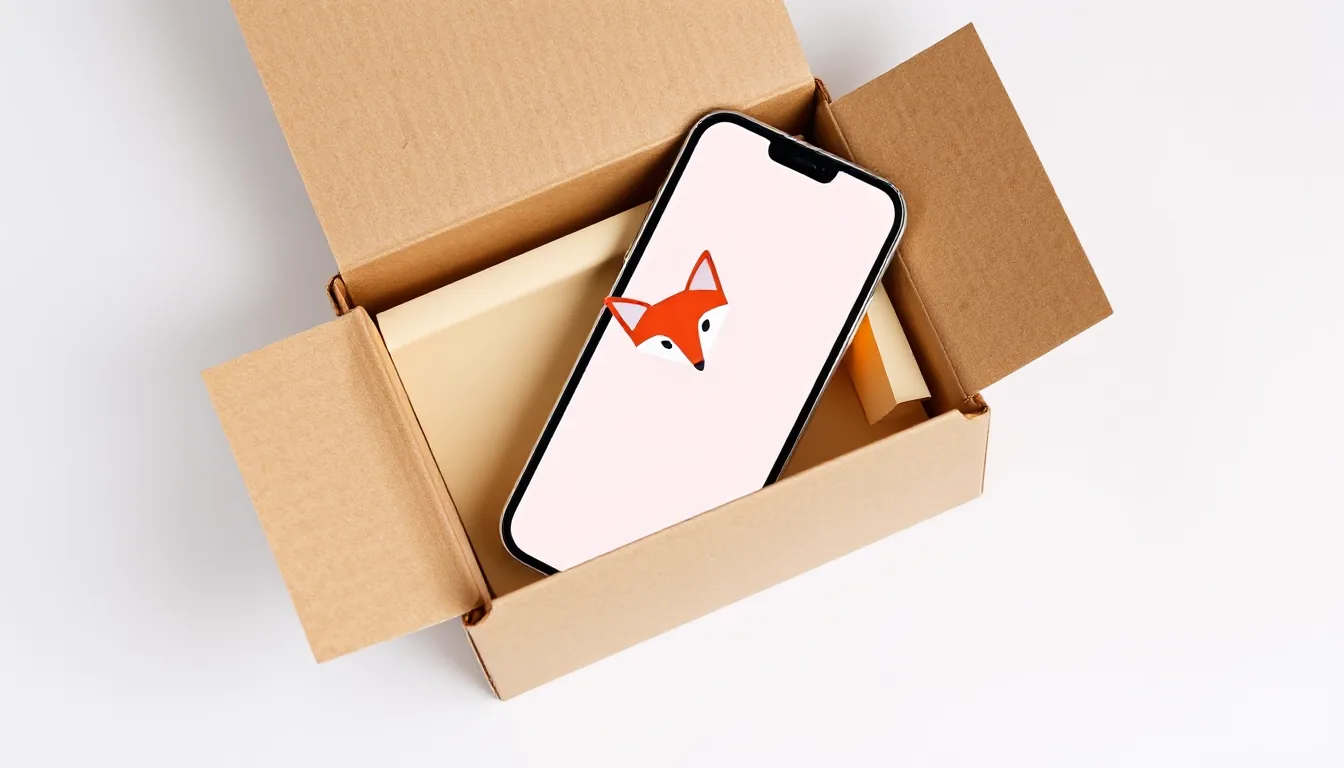
The short version: LingFit is a language app for people who are already on their phones all day and would rather put those minutes into a new language, with a real course as the backbone and plenty of freedom around it.
Why LingFit made the parcel
Most language apps do one thing well: vocabulary, videos, or a fixed curriculum. LingFit packs six building blocks into one app, and all of them are included in every language direction:
- A structured course: 60 chapters per language direction, each with 8 levels of 10 lessons apiece, from level A1 to B2. Every lesson mixes up to twelve exercise formats, from vocabulary swiping to sentence building to speaking practice with speech recognition.
- Your own packs: You type in a topic or bring 1 to 20 words of your own (typed, photographed, or pulled from your saved words), and the AI builds a full chapter from them with the same exercises, audio, and images as the course.
- A video feed: real YouTube videos in your target language, sorted by level, to swipe through like a social media app, with tappable subtitles and slow-motion playback.
- Grammar lessons: one rule per lesson, explained simply, each with a matching practice chapter (“Practice Now”).
- Articles in easy language: short stories and news texts with audio.
- Games with friends: Flash, Ping Pong, and Tug of War, where you solve real exercises instead of collecting points.
What convinced us most while packing it up: every foreign word is tappable everywhere. A tooltip shows several translations, the base form (so “gehen” for “gehst”), a pronunciation at normal and slow speed, an AI explanation, and a bookmark to save it.
What the app feels like day to day
A typical day with LingFit comes in three sizes. For two minutes in the checkout line, the feed works: a video plays, you tap an unknown word in the subtitle, the video pauses while the tooltip is open, and one tap drops the word into your collection. For ten minutes on your lunch break, you take on a course lesson. Halfway through there’s a short intermission with a joke from the mascot, and at the end a review round for the words that didn’t stick. And for an evening on the couch, there’s time for a grammar lesson or an article.
Your saved words aren’t a graveyard. Up to 20 of them can be turned into a chapter of your own, which then sits in the “Yours” tab next to the course. This is exactly where LingFit differs from classic vocabulary apps: your list becomes a real lesson with listening, speaking, and sentence building.
The tone stands out. LingFit asks for your age group during onboarding and adjusts its lines accordingly: under 35 it sounds cheekier, from 35 on it’s calmer and warmer. Leading the whole thing is Fitty Fox, an elaborately 3D-animated fox with real fur, who responds to your exercises with over 200 reaction lines. If you’ve ever lost interest in other apps, there’s a bit more entertainment here.
Practical details for being out and about: course chapters can be downloaded and studied offline, and progress syncs later. A widget shows your streak on the home screen, and reminders can be set however you like.
Which languages are included
English speakers can learn twelve languages: Spanish, French, German, Italian, Portuguese, Swedish, Dutch, Polish, Turkish, Czech, Danish, and Hungarian. On top of that there are dedicated courses for German-, French-, and Spanish-speaking learners, explained in their native language. Japanese, Chinese, Korean, and Arabic aren’t available, and the course ends at B2.
Where the app hits its limits
Honestly, LingFit isn’t a solution for everything. There are no teachers and no tandem partners; if you want to practice real conversations, you’ll need people for that on the side. Custom packs cost one credit each. Every new account gets one free credit, and more come in bundles that don’t expire. And there’s no permanently free tier, only a trial period.
Best for: busy people who scroll anyway and want to turn that into language practice, and anyone who wants to learn their own topics alongside a fixed course, from work to hobbies.
Skip if: you want to learn a language outside the list, you’re aiming for a level above B2, or you want to learn completely for free.
Price and platform
LingFit is available for iPhone and iPad as well as Android. The annual subscription starts with a 7-day trial, with a reminder three days before it ends. In the US App Store, Premium cost $12.99 per month or $44.99 per year on Oct 10, 2026; pack-credit bundles started at $5.99 for five credits. Prices can vary by store, country, and date. You’ll find all the info and the language list at lingfit.app.
Note from the desk: start with the feed at your level and save every word that trips you up for a week. At the end of the week, turn those into your first chapter of your own.
lingfitlanguage applanguage learningpick of the week