Contents Family Picks
One Headset, Three Kids: A Fair Rotation Rule for Sozo Nights
Rotate after every level, give the watchers jobs, cast to the TV: this is how a Sozo night with several kids stays fair and relaxed.
- Shipped
- Handling
- 4 min read
- Packed by
- The App Courier Desk
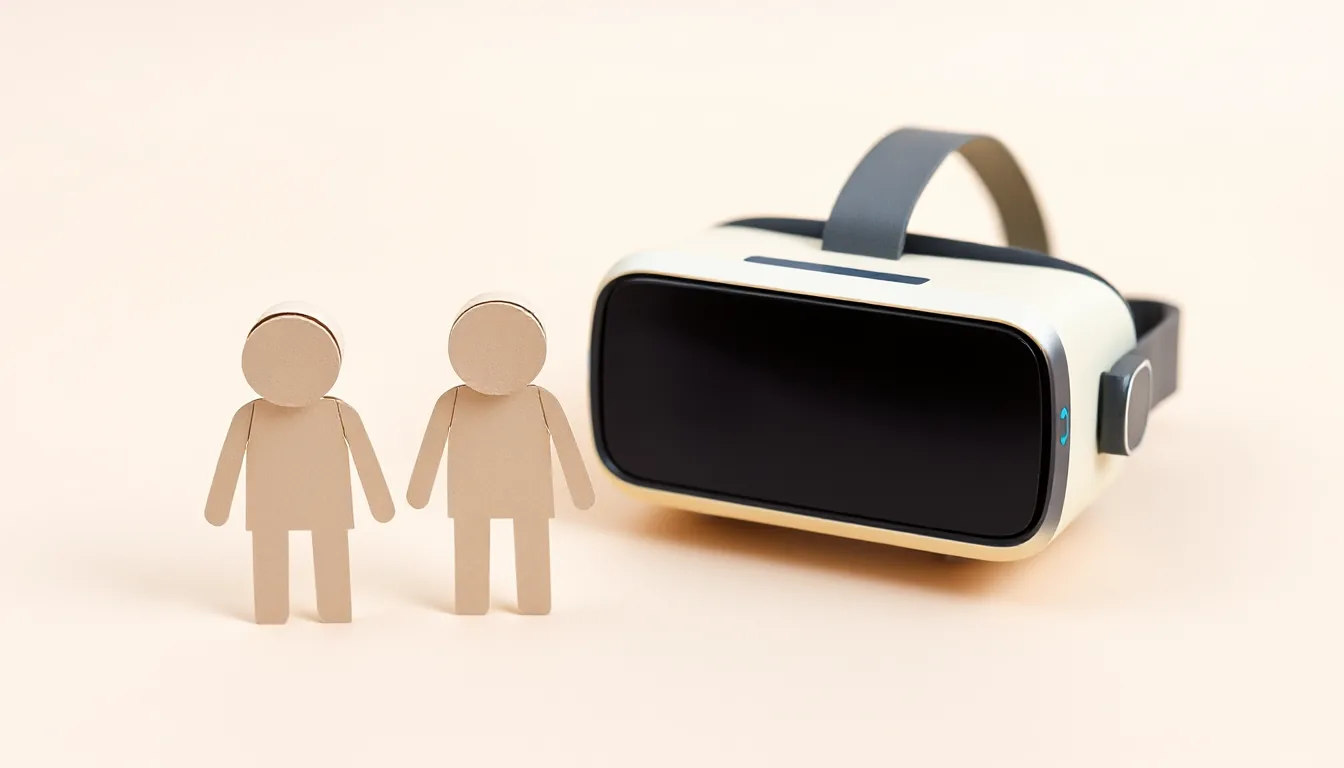
One headset, three kids, one evening: that’s a recipe for a fight if there’s no clear rule. Sozo – Tower Defense works well for family nights because it’s naturally played in stages. With a simple rotation rule and a few jobs for the watchers, everyone gets a turn and nobody gets bored.
One note up front: according to the studio, Sozo is made for Meta Quest 3 and 3S. Price, release date and age rating were still up in the air as of Oct 10, 2026. This guide helps you get the evening ready for when the game lands in your house. When it does, check the age rating and Meta’s age recommendation for the headset too.
Step 1: The basic rule – rotate after every level
The simplest fair rule is: one level per person, then switch. A level in Sozo ends clearly, either with a win after the last wave or when the crystal falls. That’s a natural handoff point where nobody has to give up the headset mid-wave.
Good to know: the number of waves grows with the level, from five at the start up to fifteen from level 20 on. Later levels take longer, in other words. If the kids are at different skill levels, a time limit can help too, something like “one level, but 15 minutes max, then hit pause and pass it on.”
Step 2: Losing doesn’t mean you keep playing
One rule that saves arguments: you rotate even after a loss. Otherwise one kid gets stuck on a hard level while everyone else waits. Sozo already has a relaxed solution for this: after six losses in a row on a level, you’re allowed to skip it, but you get no stars and no gems for it.
Step 3: Watchers get jobs
Watching is only exciting if you get to take part. These roles work well:
- The map reader: Before each level, the level map shows how many waves are coming, how many enemies, whether flyers are in the mix and which towers are recommended as counters (COUNTERS). The kid with this role reads the recommendations out loud before the start.
- The target caller: In the game you can tap any enemy or obstacle, and then all towers in range focus on it. The target caller shouts out which enemy is the most dangerous right now, and the player decides whether to mark it.
- The flyer watcher: Flyers in Sozo attack the towers, not the crystal. Whoever has this role shouts “Flyer!” as soon as one comes up out of the hole high in the wall, so the player can shoot it out of the air in time.
The roles rotate along with the headset. Whoever just played becomes the map reader, and so on.
Step 4: Cast to a TV or phone
For the watchers to do their jobs, they need to see what’s happening in the headset. With the Quest’s casting feature, you mirror the picture to a phone (via the Meta Horizon app) or to a compatible TV. Set this up once before the evening so it works right away at the first switch.
Step 5: Use VR mode if the room should stay private
Sozo is a mixed-reality game first. So when you cast, everyone sees what the headset camera shows of the room. If you’re playing in a kid’s bedroom, for example, and don’t want that on the big TV, switch to VR mode. Then the arena sits on a floating island in a fantasy world, and the gameplay stays the same. The play area is then a fixed 3.4 × 3.8 meters, no matter how big the room is. A hexagonal shield warns you when you get too close to a real wall or a piece of furniture.
Step 6: Adjust settings at each switch
Kids are different. A quick check at the handoff helps:
- Dominant hand: You can pick left or right in the settings. The wrist menu then appears over the other hand.
- Input: Controllers or hand tracking, or automatic.
- Difficulty: It’s chosen before the level and saved. Younger kids play on Casual, older ones maybe on Normal. Give it a quick check before every start.
- Speed: x1 is half speed, ideal for beginners. x3 is for pros.
- Headset fit: Adjust the strap so the picture stays sharp.
One save file for everyone
According to the studio, Sozo saves progress locally in a file. So anyone playing on the same account on the same headset keeps going on the same progress. You can treat that as a team task: together you unlock realms and collect gems for the garage. Talk beforehand about who gets to buy which upgrades.
Best for: Families with several kids and one Quest 3 or 3S who want shared game nights without the fighting.
Skip if: Every kid absolutely wants their own save file. According to the studio, Sozo has only one local save file, so shared progress is part of the deal here.
Don’t forget safety
Sozo is played standing up, with arm movements when you strike. Clear the play area, keep watchers outside the swing zone, and take a real break after a few levels, especially with younger kids.
familytaking turnssozovr with kids