Contents VR Game Picks
Five-Minute Floor Check: Get Your Living Room Ready for Tank Avenger
A pre-flight checklist: clear the floor, turn on the lights, mark enough lit tiles, and keep the furniture out of it.
- Shipped
- Handling
- 4 min read
- Packed by
- The App Courier Desk

Short version: Before you launch Tank Avenger for the first time, a quick floor check is worth it. Five minutes is enough, and the game builds a better battlefield afterward, you don’t trip, and you don’t have to bail out mid-level. Here’s our checklist.
Why it made the parcel
Tank Avenger is a mixed reality game where your floor is the map. The level’s fortress lands on the largest open area, outposts spread across the rest, and a little themed world grows up around it. The better your floor is prepared, the better the level. A small area isn’t a problem — it just means tighter firefights.
Minute 1: Clear the floor
The safety briefing the game shows on every launch says it plainly: Nothing on the floor. Cables, toys, shoes and bags have to go. There are two reasons. First, during the game you walk around the battlefield while looking down at the little tanks, not at your feet. Second, the room scan treats larger objects as obstacles, and then you lose tiles.
Our list for this minute:
- Coil up charging cables and extension cords
- Put toys in a box
- Move shoes and bags out to the hallway
- Check for loose carpet edges you could catch a foot on
Minute 2: Turn on the lights
Mixed reality needs light. In a bright room the passthrough view looks better, and the headset can map the room more reliably. So turn on the ceiling light, even during the day when it’s gray outside. Direct, glaring sun on the floor is more of a hindrance; if in doubt, close the curtain halfway.
If the light really isn’t enough, there’s an alternative: VR mode. It places a fixed 3.5 × 3.5 m field in a virtual themed world. In exchange, you lose the attack drones and the nuke, which only appear in mixed reality.
Minute 3: Tell pets and roommates
Rule one of the briefing: No pets in the room. Dogs and cats can’t see the game, and you won’t always see them. Rule four: No one else in the play area. Give a quick heads-up that you’re playing now, and shut the door if the cat likes to wander in.
Minute 4: Mark the play area
Now comes the recon screen. The game shows your scanned floor as 25 cm tiles. All tiles are lit at the start. Here’s how to proceed:
- Aim and hold the trigger to switch off tiles that shouldn’t be in play, for example the area right in front of the bookshelf or by the balcony door.
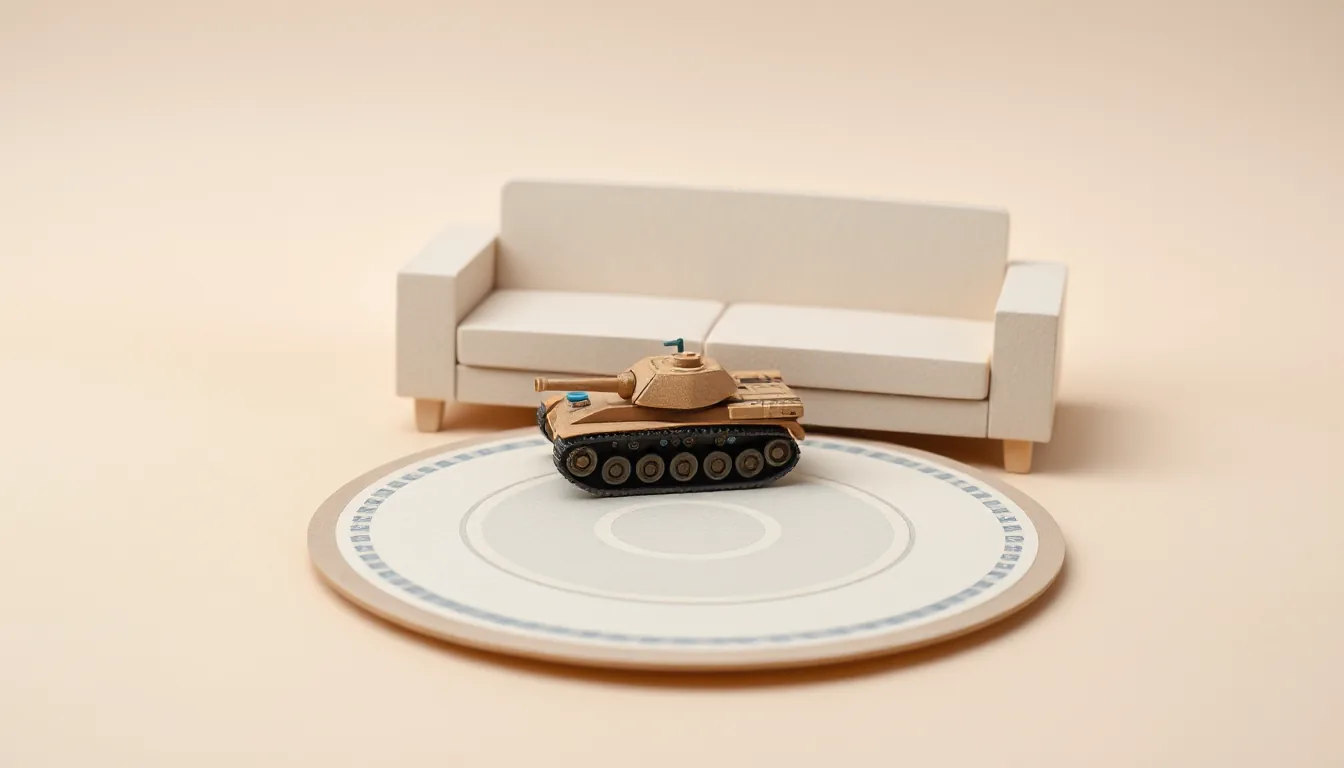
- Ignore red tiles. Tiles under furniture are red and stay locked. Nothing gets built on tables, sofas or shelves.
- Watch the status bar. It shows how many tiles are lit, how many square meters that is, and how big the largest open area is.
- Hit the minimum: at least 24 lit tiles (1.5 m²) and an open area of at least 0.6 × 0.6 m. Only then does CONTINUE become active.
- One connected area. If you split the area into two islands, the smaller one automatically goes dark.
The studio’s rule of thumb: about 2 × 2 m of open floor is a good size. The minimum works, but more space gives the fortress and outposts more room.
Minute 5: Keep furniture out of it
A common misunderstanding: the tanks don’t bounce off your real furniture. Furniture only locks tiles so nothing gets built there. Physically, only the game’s own walls count. That’s why rule three of the briefing is: Keep your distance from furniture. Tables, shelves, stairs, windows and glass aren’t part of the game.
Finally, check whether you can walk all the way around the lit area without bumping into a table edge. Rule five: Stay on the lit tiles, never walk backward blindly, watch your head, and take a break if you feel dizzy.
If something doesn’t fit
- Battlefield in the wrong room? If your scan includes several rooms, the game lists them. The room you’re standing in is marked “YOU ARE HERE,” but you can pick another one.
- Furniture got moved? With + NEW SCAN you open the headset’s room setup and scan again.
- Want to adjust later? The screen is also reachable from the main menu under PLAY AREA.
Best for: anyone launching Tank Avenger for the first time, or setting up again after moving furniture.
Skip if: you already have a saved area and your room hasn’t changed. The game offers the last selection again in the same room.
Price and platform note
Tank Avenger – Mixed Reality cost £9.99 in the UK Meta Horizon Store on Oct 10, 2026. According to the store, it runs on Meta Quest 2, Quest Pro, Quest 3 and Quest 3S, is played with the Touch controllers, and requires an internet connection.
tank avengerplay areasetupmixed reality